
How to
The same set-up on every PC, without Chrome Sync
Your client-list choice, portals and PIN follow your Google account through a small settings file in your own Drive.
Install the extension on another computer and sign in with the same Google account: your client list choice, your portals (including your own and your changes) and the PIN lock arrive through a settings file in your Google Drive. No passwords are in that file.
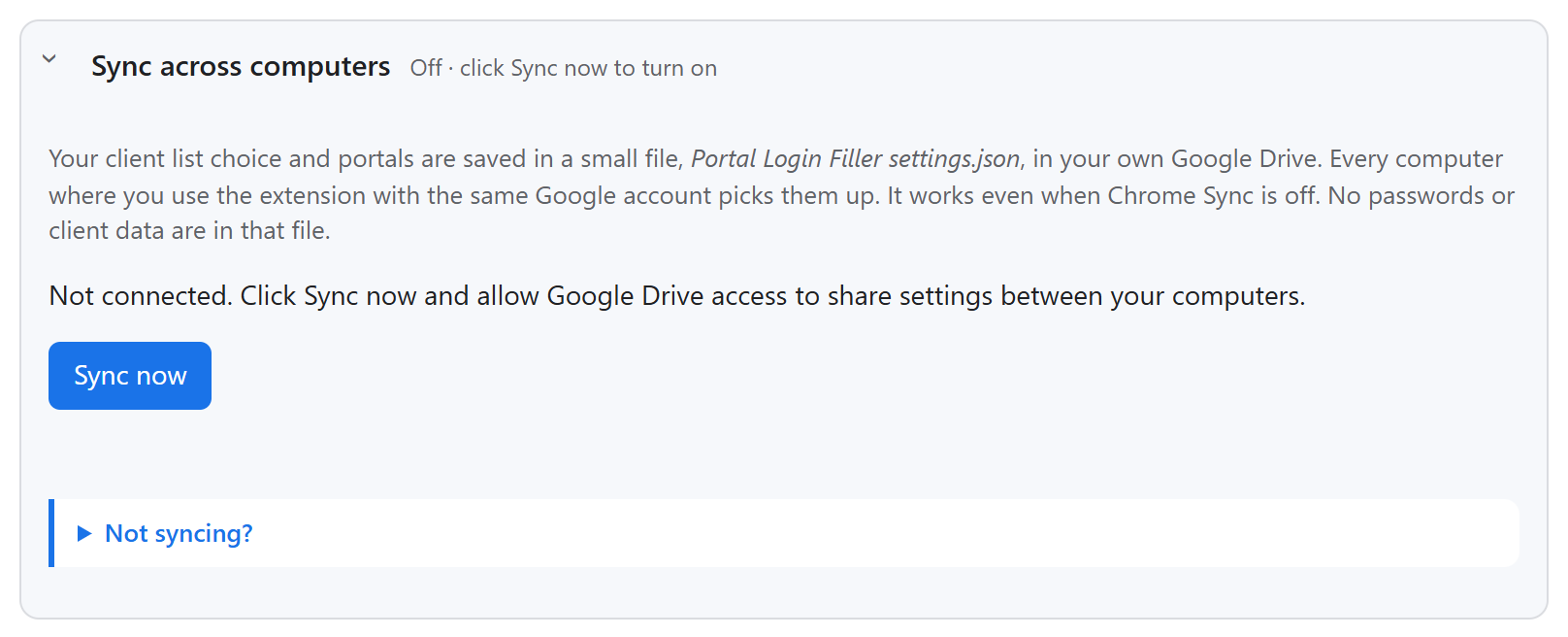
- It syncs when the side panel or Settings opens and after every change; Sync now forces it.
- An Excel file is chosen once on each PC (the file itself never leaves the PC).
- Website access for extra portals is allowed once per PC.